Remove solid-color backgrounds and make them transparent.
Inputs
Black Background Image
No file selected
White Background Image
No file selected
Use the same subject and camera angle for best results
Preview
Awaiting inputExport
Upload both images and download the processed result.
Upload pair requiredBuilt for AI-generated images
AI images look great, but they don't come with real transparency.
Turn AI art into production-ready assets.
Remove background from AI product images with clean edges.
- 1. AI images don't have real transparency.
- 2. Background removal often leaves halo.
- 3. Edges are messy and hard to fix.
Generated an image in Midjourney, NanoBanana? Export it as a clean PNG in seconds.
We fix that by reconstructing real alpha.
See The Difference
Compare the original image, typical AI cutout, and RemoveBGOnline.ai result side by side.
Original
Input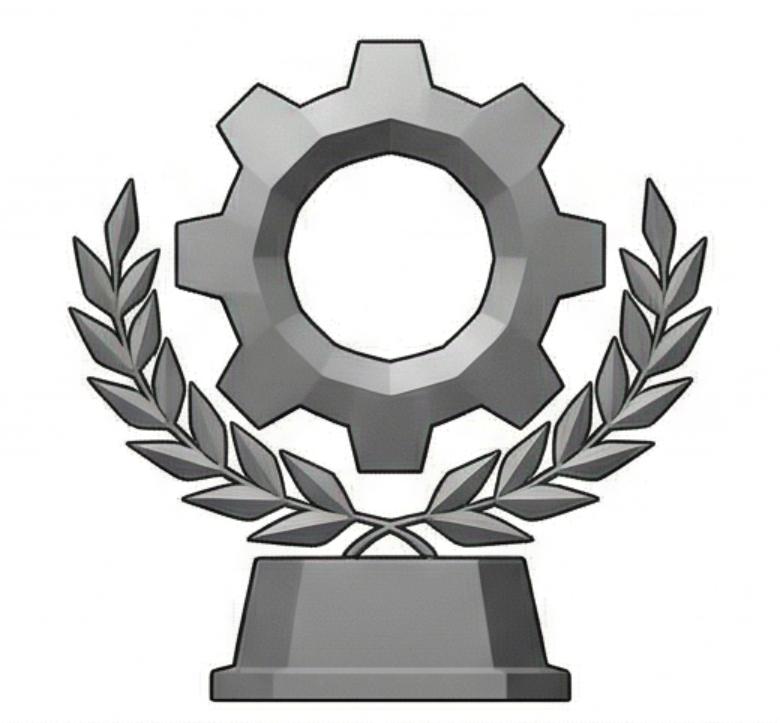
Source image before background removal.
Other AI Result
Common Output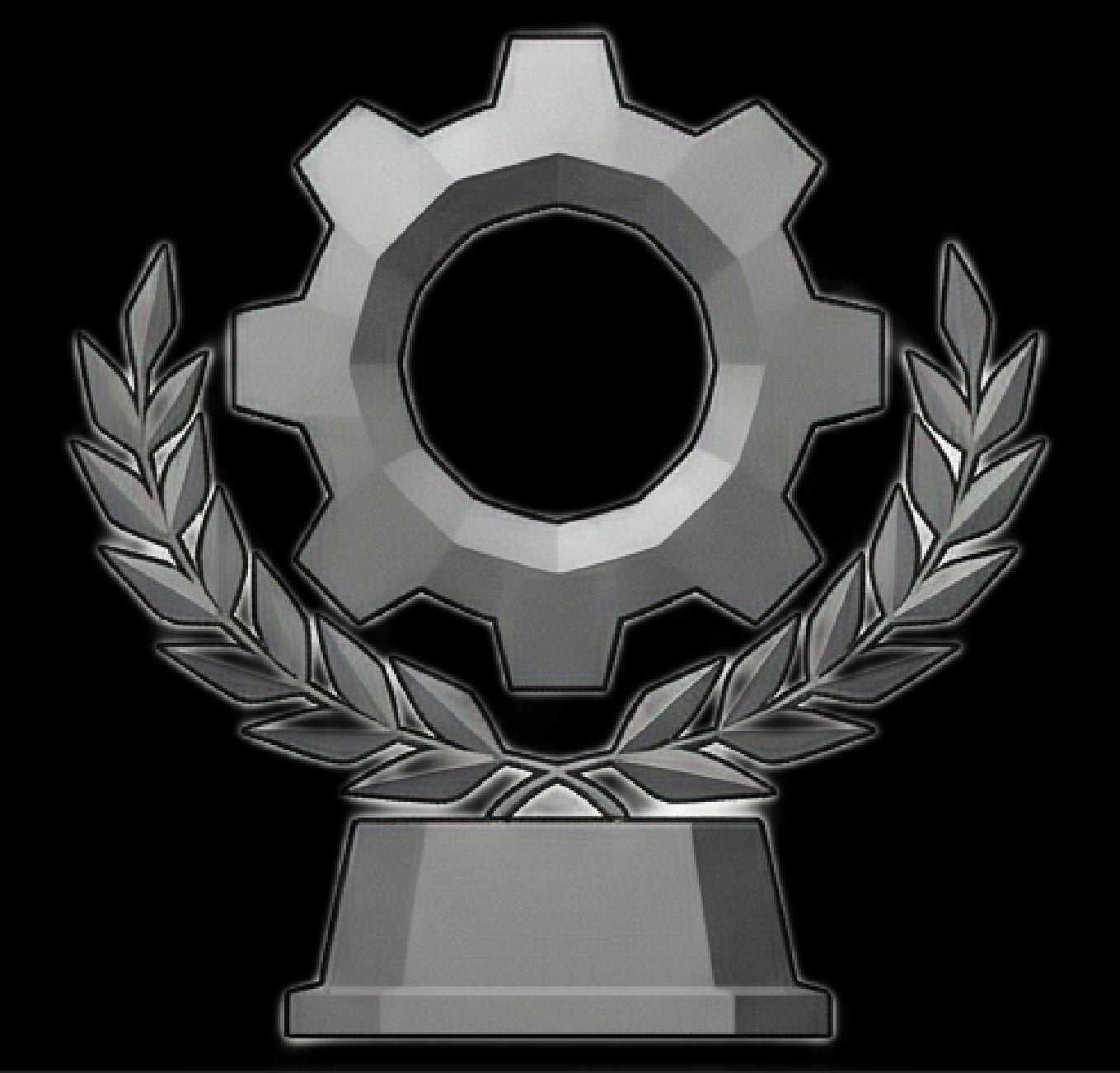
Typical issues: edge halo and residual color spill.
RemoveBGOnline.ai
Cleaner Output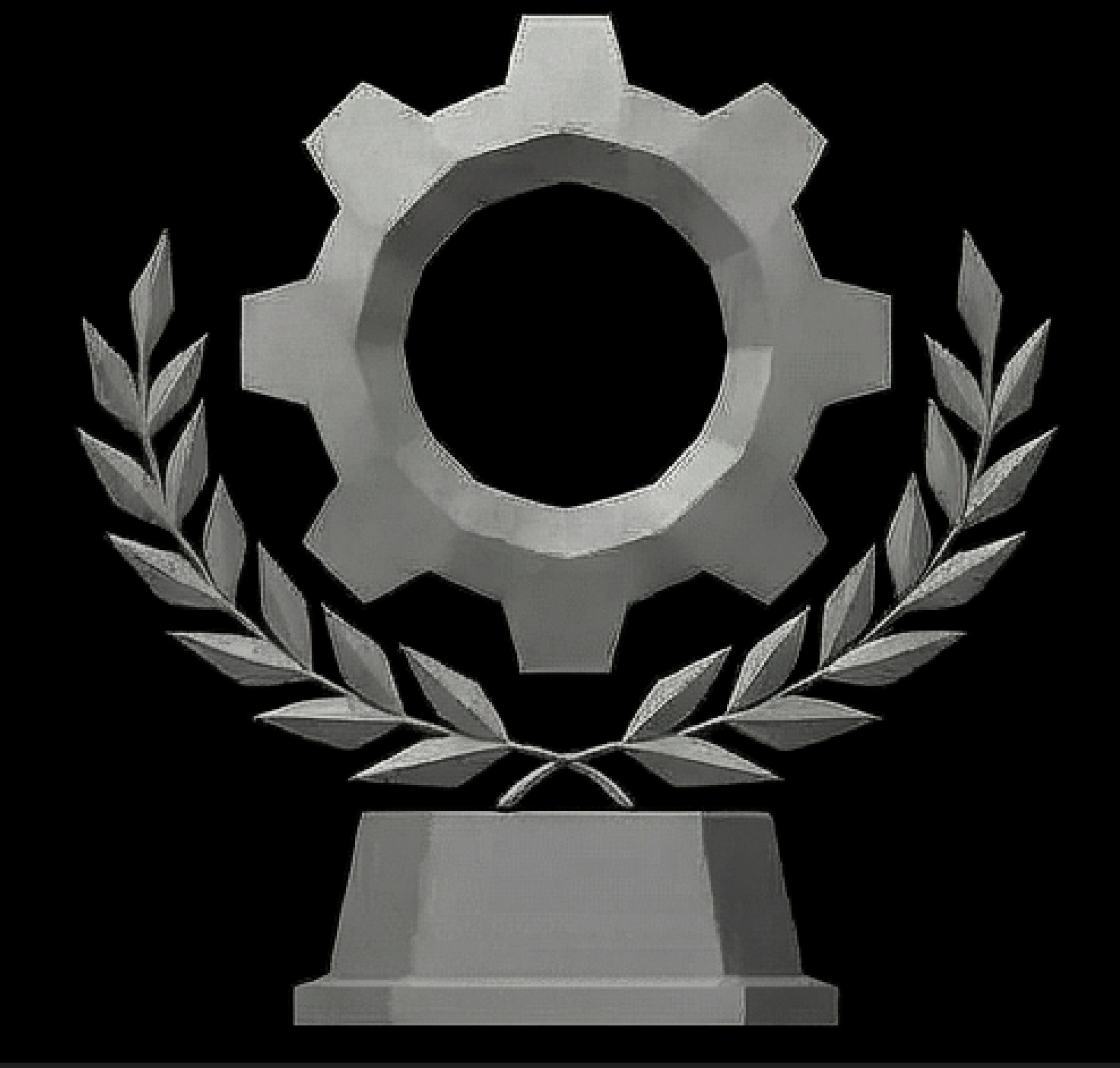
Cleaner contour and reduced spill, especially around hair and fine edges.
Other AI background removal can mix background color into edge pixels. RemoveBGOnline.ai keeps edges clean.
Edge Halo
Other AI: noticeable
Color Spill
Other AI: more contamination
Final PNG Quality
RemoveBGOnline: cleaner edges
Why RemoveBGOnline.ai
A cleaner online workflow for transparent PNG export
No edge residue
Remove solid-color backgrounds and make them transparent.
No color spill.
Other AI cutouts often mix background color into the edge. We do not.
Natural semi-transparent edges
More natural edge transparency for hair, glow effects, and glass.
How It Works
Three simple steps to a cleaner transparent PNG
Upload Two Matching Images
Use the same object and camera angle with different solid backgrounds.
Recover Cleaner Transparency
The tool compares both inputs to calculate a cleaner alpha result.
Download PNG
Export a transparent PNG with fewer edge artifacts and less halo.
Use Cases
Built for workflows that care about clean PNG export
Game UI Assets
Create cleaner cutouts for icons, rewards, and interface assets.
Product Images
Generate more polished transparent product visuals.
Sticker / PNG Creation
Export ready-to-use transparent images with cleaner edges.
Design Pipeline
Use a straightforward browser workflow before final production.
FAQ
AI image background removal keywords
- remove background from ai images
- ai image to png transparent
- midjourney remove background
- stable diffusion png export
- remove background without halo
- clean png from ai art